
 Learning
Ear Trainer
Sharpen your musical ear! Identify intervals, chords, and scales through progressive listening challenges.
Play now
1
SHasso
190
2
Cadila
150
3
pipm
120
4
Alexandrooo05
110
5
adarsh_380
100
6
LeedsMum
50
Challenge yourself with interactive music games designed to improve your piano skills while having fun.
Mini games, learning games, and hybrids in one place. Filter, search, and jump straight in.
LearningSharpen your musical ear! Identify intervals, chords, and scales through progressive listening challenges.
Play now Mini Game
Conquer the notes beyond the staff! Identify ledger line notes above and below treble and bass clefs.
Play now Mini Game
Drop and merge matching notes to rebuild famous melodies, and learn to read music while you play.
Play now Mini Game
Defend the musical galaxy! Identify falling notes and blast invading pianos in this fast-paced arcade challenge.
Play now Hybrid
Hit the right keys at the right time! Play along in Classic mode or master real MIDI pieces in Pianist mode.
Play now Learning
Read and play in real-time! Notes appear on the staff and you play them on the virtual piano or MIDI keyboard.
Play now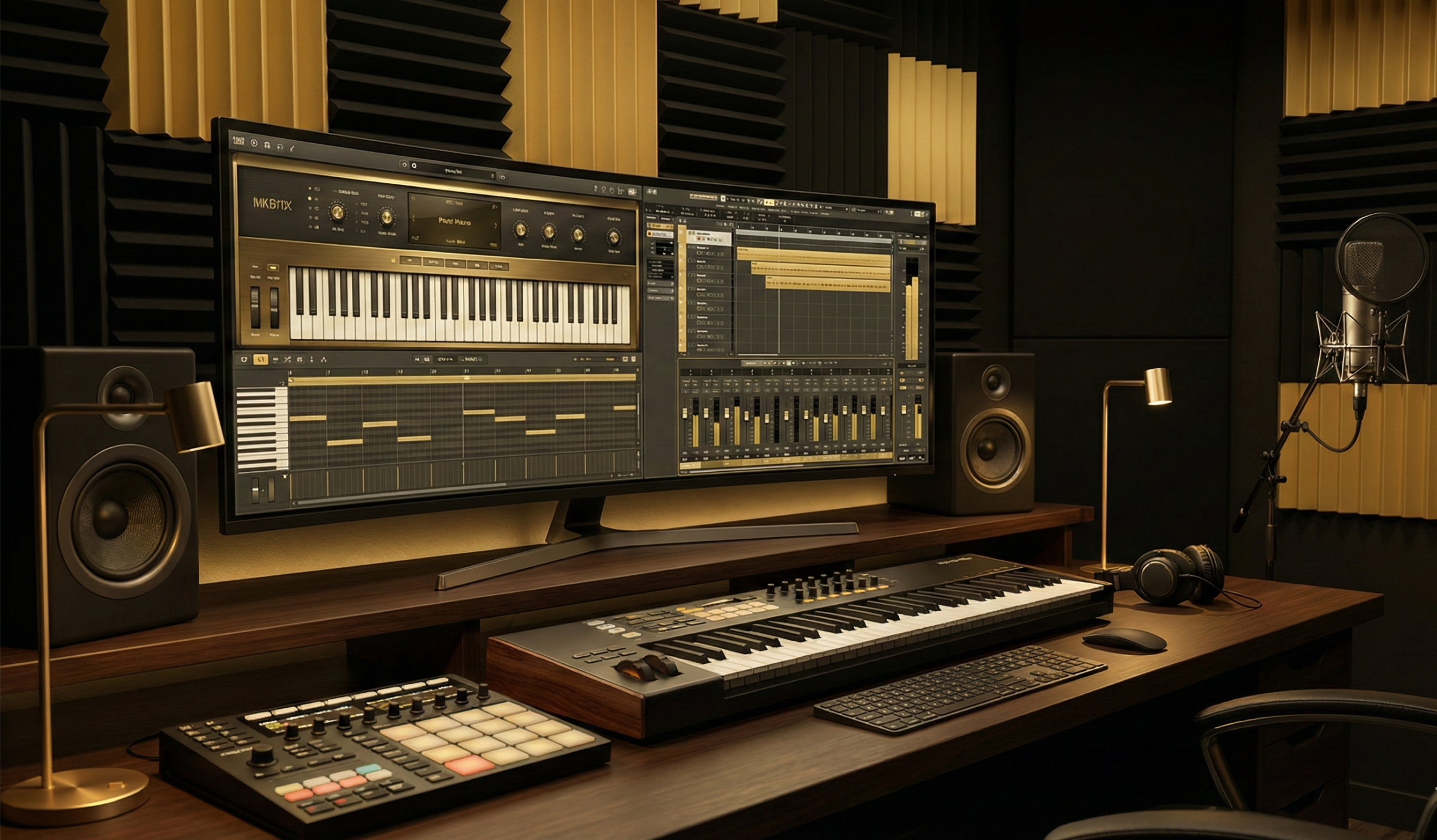 Hybrid
Play piano online with our professional Virtual Piano Studio. Features include 88-key piano, 16-step drum machine, multi-track recording studio, microphone recording, backtracking, DAW production tools, audio effects, MIDI support, and custom sound upload.
Play nowWhere the community sits over the last 30 days. Sign in to plot your own.
Sign in to plot your own learning and gaming scores against the community.
Sign inThe top players across PianoMode. Combined, learning, and gaming, updated as everyone plays.
Join the PianoMode digest for new games, scores, and learning paths, about once a month. No spam, unsubscribe anytime.
A few quick answers about how the games work and how your progress is saved.
Mini games are quick, arcade style challenges you can finish in a couple of minutes. Learning games are built around a skill, like note reading or ear training, and follow your progress over time. Hybrid games do both.
The core games are always free to play, no account needed. A free account adds saved progress, streaks, and your spot on the leaderboards. As PianoMode grows, some advanced features may become part of a subscription, but the basics stay free.
Each game reports a score when you finish a session. Your learning score and your gaming score add up separately, and the combined total appears on your Scores panel when you are signed in.
Yes. Every game works on a phone or tablet, in both portrait and landscape. A MIDI keyboard is optional and makes the playing games feel even better.
If you are new to reading music, start with a note recognition game. If you want to train your ear, try an ear training game. The category filters above help you find the right fit.
When you are signed in, your sessions, time played, and best scores are saved to your account, so you can pick up right where you left off.
Please tell us, it really helps. The quickest way is the contact form. Include the game name and a short note about what happened, and we will look into it.
Contact us